Translate Pimcore content directly from the backend.
The LANI Pimcore connector seamlessly integrates your PIM, CMS and e-commerce systems with professional translation technology — including terminology, translation memory and AI.


 EN
EN  FR
FR  IT
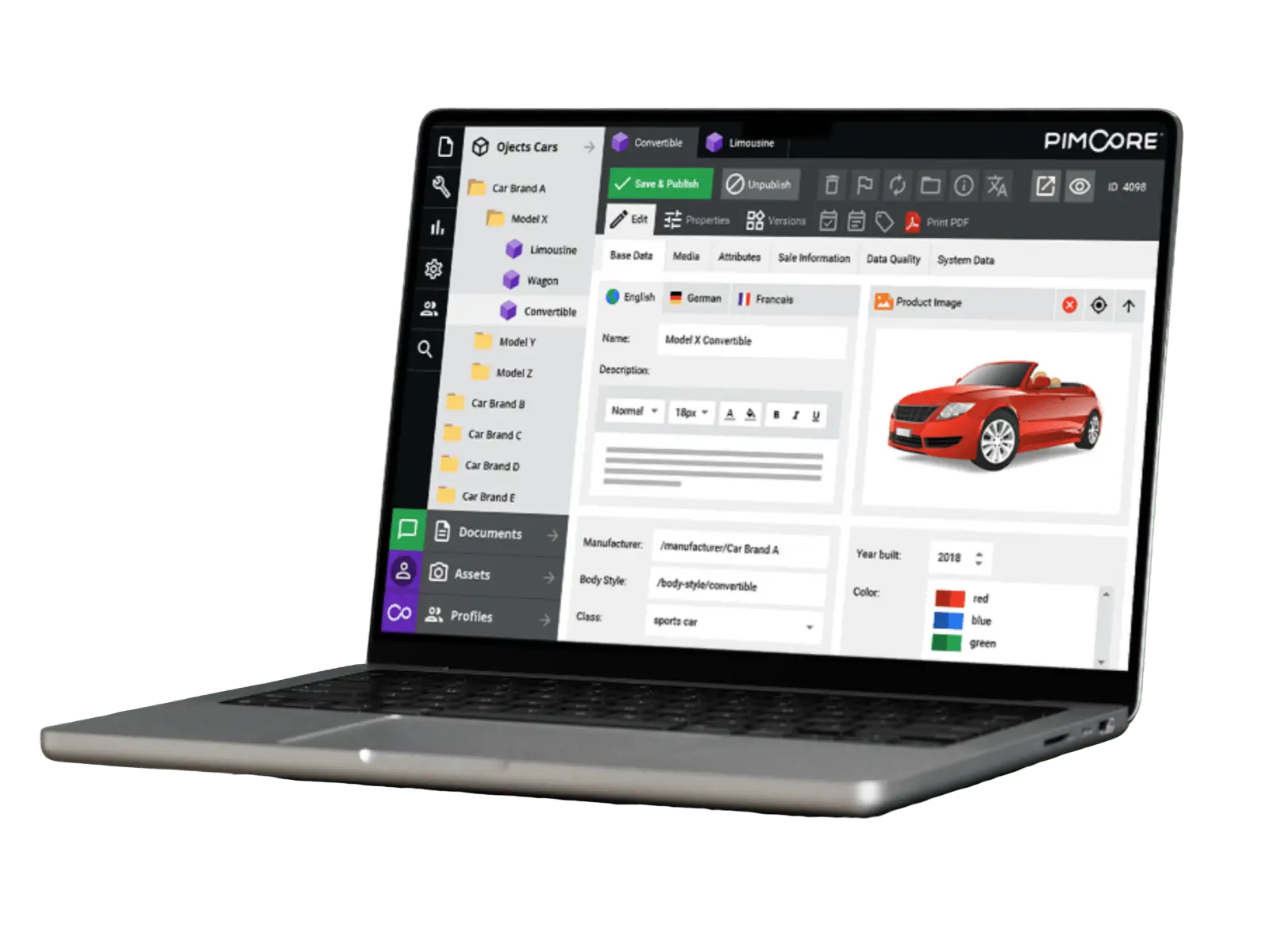
IT Request translations directly from Pimcore – with just one click
You are familiar with this: A product description needs to be translated into five languages. To do so, export the XLIFF file, send an email, clarify the target languages, wait for any queries – and do this for every single item. With hundreds of products, this process takes hours and is a real headache, and the risk of errors increases with every additional language.
With the LANI connector, you can commission translations right where your content is stored: directly in Pimcore. Click on ‘Send to LANI’, then select: ‘Immediately’ for individual items in day-to-day operations, or ‘Batch project’ for automatically bundled jobs per language combination – ideal for large-scale rollouts. Select languages, start translation, done.
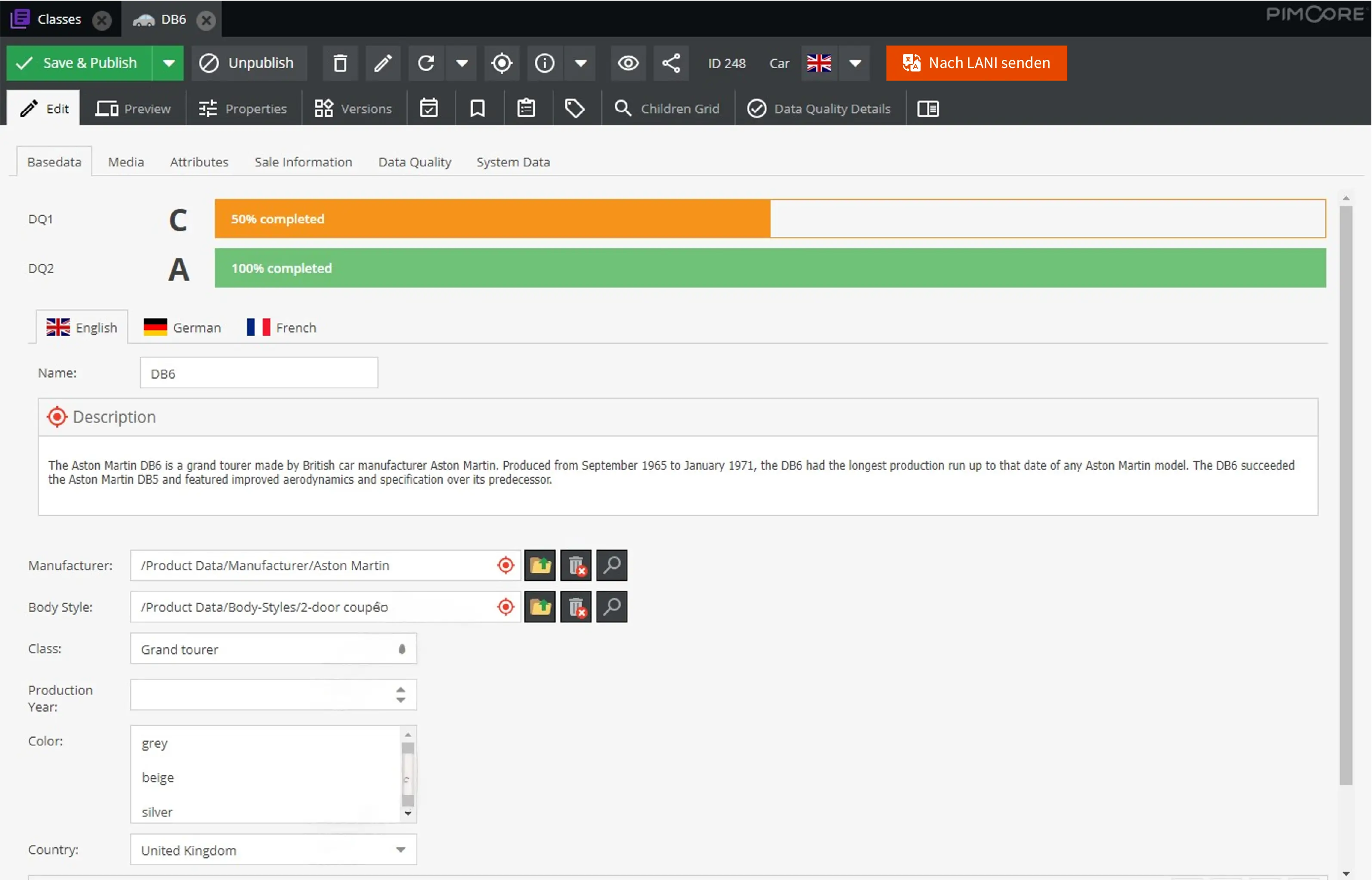
Completed translations are automatically placed in the correct field
Once you’ve sent it, the waiting begins. Is the translation finished? Where is the file? What is the latest version? Then the import: Download XLIFF, upload, assign object, check language. One wrong click – and the French translation ends up in the Italian field. With dozens of files a week, that’s not a workflow – it’s a risk.
The connector puts an end to that. As soon as a translation in LANI is complete, a callback triggers the re-import: The plugin retrieves the XLIFF file, identifies the Pimcore object and writes the translation into the correct language fields. No downloading, no assigning, no risk of mix-ups – the translation is simply there.
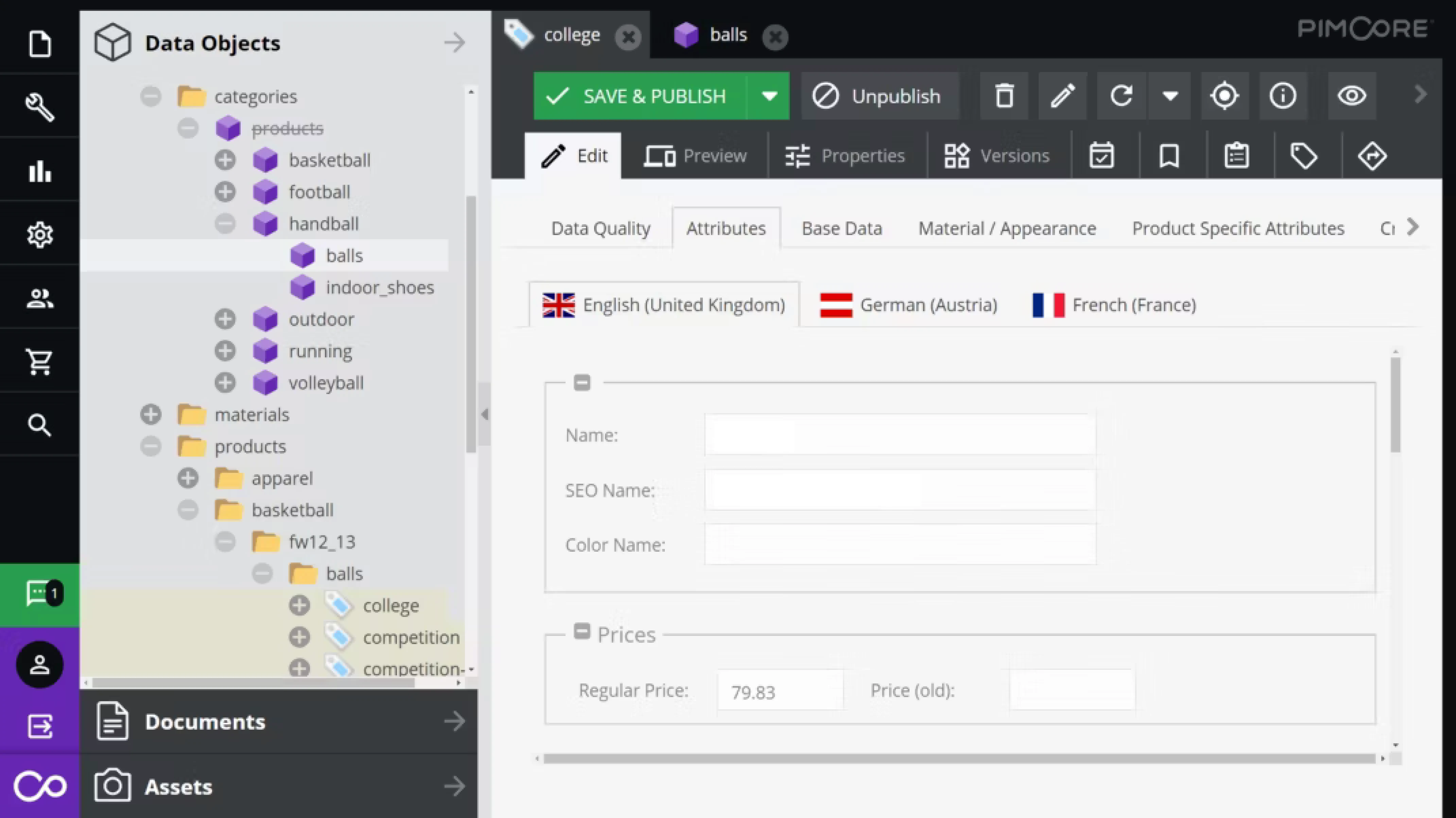
Your technical terms will be automatically translated correctly into every language
“Microchip”, “chip” or “IC”? If every department uses its own terminology and translators have to guess, consistency suffers. This is a major problem when it comes to product data in the PIM: Incorrect terminology confuses customers, damages the brand and leads to costly rounds of corrections.
LANI tackles the problem at its root: Your terminology database is automatically used for every translation – whether done by AI or a human. Technical terms, product names and corporate language are officially documented and remain consistent across all target languages. Together with your settings for translation memories and preferred translators, everything runs automatically without the Pimcore user having to configure anything.
Pimcore is multilingual, but without LANI, setting it up is a manual process.
Pimcore does, however, provide excellent support for multilingual content. However, as soon as product descriptions, websites or documents actually need to be translated, the manual work begins.

LANI + Pimcore
The LANI connector turns Pimcore into a complete translation platform. From AI-assisted initial translation and terminology checking to certified proofreading — all within a seamless workflow, directly from your backend.
WYSIWYG check in the final layout
Partners, branches and subject matter experts in the target country can review and edit translations directly in their original layout — whether PDF, InDesign, web or even video with live SRT subtitles. No CAT tool, no installation, no training required.
Changes are automatically fed back into the translation memory. This eliminates the typical email/PDF feedback loop and makes the approval process transparent and traceable.
 Momoka.webp)
 Momoka.webp)
Legally compliant translations at the touch of a button
LANI is not just an AI tool, but an end-to-end platform featuring ALLESPRACHEN as its human quality assurance. With a single click, an AI translation is sent directly to certified post-editors.
The result: 100 % reliable, ISO-compliant translations (ISO 17100, 18587) with no media disruption. No other product on the market offers this integrated transition from AI to full post-editing with legal safeguards.

Any format can be translated directly from Pimcore
Whether it’s XLIFF, HTML, JSON, XML or Office documents: LANI supports over 100 file formats natively. Your Pimcore content is translated whilst retaining its original formatting and re-imported exactly as it was exported — without the need for manual reformatting.












Four steps to a finished translation
The entire process takes place within Pimcore and LANI — with no need to switch platforms and no sending of files via email.
For your IT team
The connector is based on the official PimcoreXliffBundle and the LANI API. Here are the key technical specifications.
Integration method
Data exchange
Re-import
Batch mode
Permissions
Error handling
Compatibility
Content suitable for translation
LANI connector vs. manual process
Export from Pimcore
Manual XLIFF download
Terminology
Translation Memory
Re-import
Manual upload
Batch translation
Data protection
Professional proofreading
Liability
Translate Pimcore content as it should be in 2026.
A free demo, personalised advice and a trial account — we’ll show you live how the connector works in your Pimcore.

Häufige Fragen
Hier finden Sie Antworten auf die wichtigsten Fragen rund um LANI.